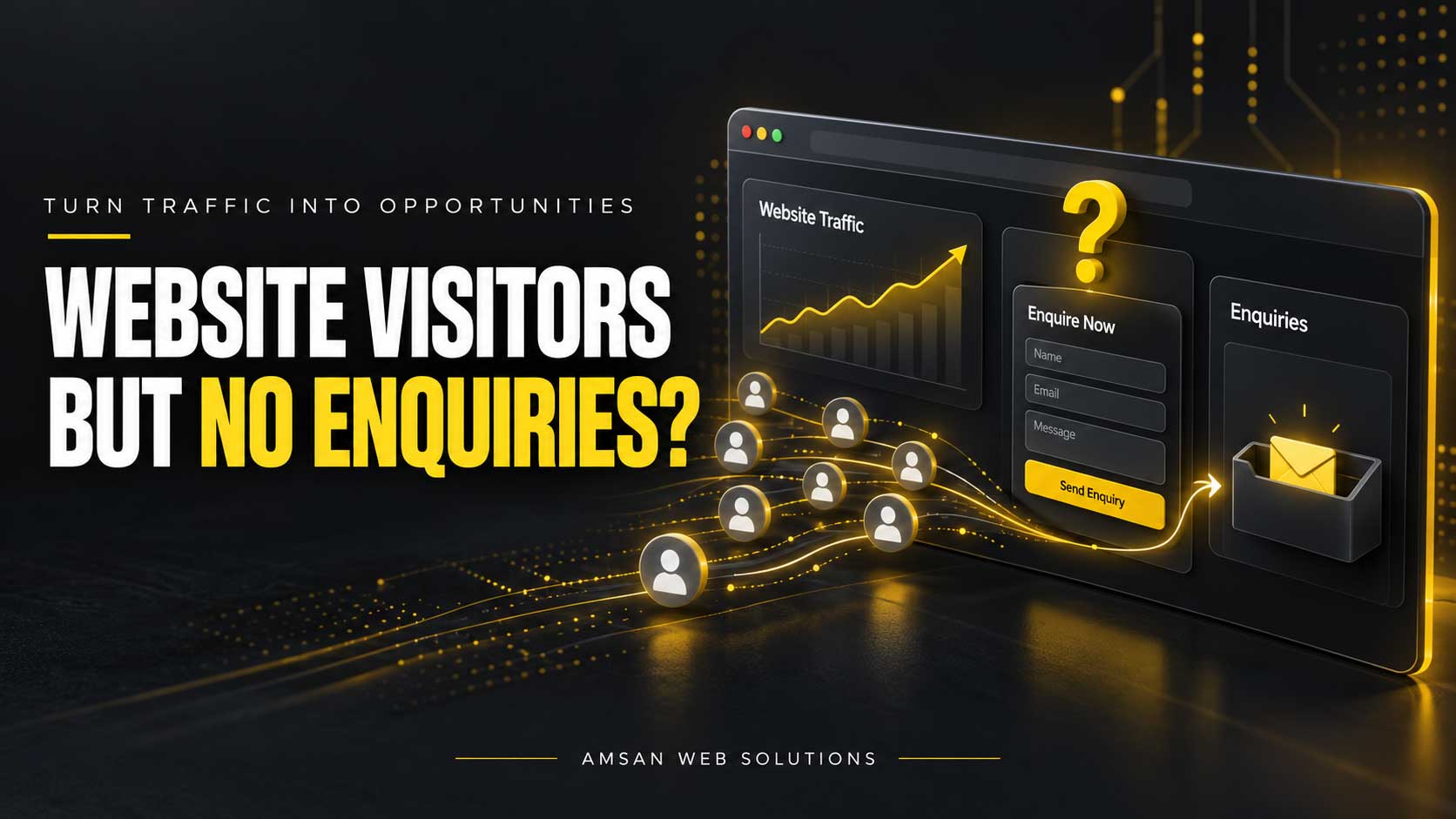
Discover what stops visitors from getting in touch—and how to make your website work better for your business.
Your website is receiving visitors. People are finding your pages through Google, advertisements, social media or referrals. Yet your inbox stays quiet, the phone rarely rings and few visitors complete your enquiry form.
Before spending more on advertising or rebuilding the entire website, investigate what happens between arrival and enquiry.
Visitors may be looking for something you do not offer. They may struggle to understand your services, hesitate because they lack confidence in your business or encounter a form that does not work.
The right solution starts with identifying where the journey breaks down.
1. Your Website Attracts the Wrong Visitors
Traffic numbers alone do not tell you whether your website is reaching potential customers.
An article about free website templates might attract students and DIY website owners. Those visitors are not necessarily looking to hire a web design company. Similarly, advertising a service outside the locations you support can generate clicks without useful enquiries.
Review your traffic by:
- Search queries and landing pages.
- Advertising campaign and message.
- Location and device.
- Informational versus service-related intent.
A blog visitor researching a topic may need an explanation and a relevant next step. Someone searching for a service provider needs clear service information, evidence of your work and an easy way to contact you.
For paid campaigns, make sure the destination page matches the advertisement. Google’s landing-page guidance highlights relevance, useful information, navigation and the expectations created by the ad.
What to improve: Direct visitors to the page that answers their specific need. An advertisement for eCommerce development should usually lead to relevant eCommerce information rather than a general page covering every service.
2. Your Main Message Is Too Vague
A visitor should be able to understand what you offer without interpreting a clever slogan.
Headlines such as “Creating Possibilities” may sound appealing, but they do not explain whether you build websites, manage Amazon accounts or provide marketing services.
Compare these examples:
Vague:
“Transforming Ideas Into Excellence.”
Clearer:
“Website Design and Development for Growing Businesses.”
A supporting sentence can then explain the benefit:
“Create a professional, easy-to-use website that helps customers understand your services and take the next step.”
Your opening section should answer three questions:
- What do you do?
- Who is it for?
- What should the visitor do next?
What to improve: Read your banner as if you have never heard of your company. Replace broad claims with a clear service, audience and benefit.
3. Your Pages Describe Features Without Answering Customer Questions
A list of features does not always help someone decide whether your service suits them.
“Responsive design, custom development and technical support” describes what you provide. Prospective customers also need to understand what those features mean for their project.
A useful service page should explain:
- The problems you help solve.
- What the service includes.
- What information you need from the client.
- How the project progresses.
- What is included after delivery.
- Which factors affect the quotation.
For example, instead of only mentioning “responsive design,” explain that the website’s layout and interactions will be adapted for phones, tablets and desktop screens.
What to improve: Review recent customer questions. If people repeatedly ask the same things before requesting a quote, consider answering them on the relevant service page.
4. Your Call to Action Is Unclear
A call to action tells visitors what they can do next. Its wording should match the action that follows.
A button labelled “Get Started” could mean opening a form, creating an account or making a payment. More specific wording helps set expectations.
| Page | Example call to action |
|---|---|
| Web design service | Discuss Your Website |
| Website maintenance | Request Website Support |
| Amazon seller support | Discuss Your Seller Account |
| Shipping carrier audit | Request a Shipping Audit |
| Portfolio | Discuss a Similar Project |
Place the main action where visitors are likely to need it: near the opening message, after useful evidence and toward the end of the page.
What to improve: Choose one primary action for each service page. A secondary option, such as viewing related work, can support visitors who need more information.
5. Your Contact Form Creates Too Much Work
An enquiry form should collect enough information to start a useful conversation.
Requiring a full address, multiple phone numbers, detailed specifications and several compulsory selections can make an initial enquiry unnecessarily demanding.
For many service businesses, a starting form might include:
- Name.
- Email address.
- Service required.
- A short description of the project.
- Phone number, if necessary or optional.
Budget and timeline can be useful qualification fields, but decide whether they genuinely need to be compulsory.
W3C’s form guidance recommends asking only necessary questions, clearly identifying required fields and using meaningful button text.
What to improve: Complete the form on your phone. Check that labels remain visible, error messages explain the problem and visitors do not lose their message after a failed attempt.
6. Your Form Looks Fine but Does Not Deliver Enquiries
A form can look professional while failing behind the scenes.
Possible problems include rejected submissions, JavaScript errors, spam filtering or notification emails that never reach your inbox.
Test the complete journey:
- Open the page while logged out.
- Submit a realistic test enquiry.
- Check the confirmation shown to the visitor.
- Verify that the submission is recorded, where supported.
- Confirm that the notification reaches the correct inbox.
- Check any connected CRM or other destination.
Also test after significant plugin, caching or spam-protection changes.
What to improve: Treat a successful-looking message as one checkpoint. Verify that your team actually receives the enquiry and can respond.
7. Visitors Do Not Have Enough Reason to Trust You
Before sharing project details, people want confidence that your business understands their requirements and can deliver the work.
Useful trust signals include:
- Relevant portfolio projects.
- Genuine testimonials published with permission.
- Clear business and contact information.
- An understandable delivery process.
- Specific descriptions of your work and responsibilities.
A portfolio becomes more useful when it explains the brief, your contribution and the delivered functionality. For collaborative projects, describe your role accurately.
Avoid unsupported guarantees and invented performance figures. “We redesigned the navigation and service pages” is more credible than claiming a large increase in enquiries without evidence.
What to improve: Put relevant examples near the service they support. A visitor considering an online store will benefit more from an eCommerce example than an unrelated project.
8. The Mobile Experience Gets in the Way
A desktop layout may look excellent while becoming difficult to use on a phone.
Watch for:
- Text that is too small.
- Buttons that are difficult to tap.
- Forms wider than the screen.
- Menus that do not open correctly.
- Pop-ups covering important controls.
- Floating chat buttons overlapping the submit button.
Performance matters too. Core Web Vitals measure loading performance, responsiveness and visual stability—different aspects of the visitor’s experience.
However, a strong speed score alone does not establish that the website communicates well or generates enquiries.
What to improve: Test the main service pages on actual phones and a typical mobile connection. Follow the entire route from arrival to successful enquiry.
9. Visitors Cannot Tell What Happens After They Contact You
An enquiry can feel like a commitment when the next step is unclear.
Visitors may wonder whether they will immediately receive a sales call, whether a consultation costs money or what information they need to provide.
A short explanation beside the form can reduce uncertainty:
“Tell us about your project and the service you need. We’ll review your details and get in touch to discuss the requirements and next steps.”
If you publish a response-time commitment, make sure your team can consistently meet it.
Where suitable, explain how pricing works. You do not have to publish a fixed price for custom work, but you can describe the factors that influence the quotation.
What to improve: Make the enquiry process transparent, including what happens next and whether any obligation or charge applies.
10. Your Tracking Does Not Show Where Enquiries Are Lost
Sometimes enquiries are arriving through phone calls, direct emails or messaging channels while your reports only measure forms.
The reverse can happen too: analytics records a button click as a lead even though the form submission failed.
Separate these stages:
| Stage | What it tells you |
|---|---|
| Service-page visit | Someone viewed the offer |
| Enquiry-button click | Someone showed interest |
| Form start | Someone began entering details |
| Successful submission | An enquiry was accepted |
| Qualified enquiry | The request fits your business |
| Won project | The enquiry became a customer |
Google Analytics recommends the generate_lead event for lead-generation actions and supports marking appropriate events as key events. The implementation still needs to match your actual submission process.
What to improve: Reconcile analytics with recorded enquiries and your inbox or CRM. Do not assume every click is a completed enquiry, or every enquiry is a qualified opportunity.
Where Should You Start?
Before changing the whole website, investigate the most important questions in order.
| What you notice | What to check first |
|---|---|
| No enquiries across the website | Form operation, delivery and tracking |
| Plenty of blog visits, few service visits | Audience intent and links to relevant services |
| Service visits but little contact activity | Message clarity, offer and trust |
| Form starts without successful submissions | Required fields, errors and spam protection |
| Enquiries arrive but are unsuitable | Targeting, service scope and qualification |
| Suitable enquiries rarely progress | Response process, proposal and offer fit |
Choose a specific problem, make a focused improvement and measure what happens. Where practical, avoid changing your design, messaging, pricing and traffic campaigns simultaneously; that makes the result harder to interpret.
There is no single enquiry-rate target suitable for every business. Compare consistent measures over time, accounting for traffic quality, sales cycles and lead value. Small numbers and short reporting periods can also produce misleading conclusions.
Make Your Website Easier to Choose
A useful business website helps the right visitors understand your offer, trust your work and contact you without unnecessary difficulty.
At AMSAN Web Solutions, we help businesses improve their websites through thoughtful design, reliable development, clear content and ongoing technical support.
If your website receives visitors but generates few enquiries, share your website URL and the services you want to promote. We can discuss the pages, customer journey and technical issues that may need attention.